
Phishing detection has traditionally relied on finding a malicious destination. Security tools retrieve a suspicious page, analyze its contents and add the URL or domain to a blocklist. But that approach doesn’t work when there is no conventional phishing site to find.
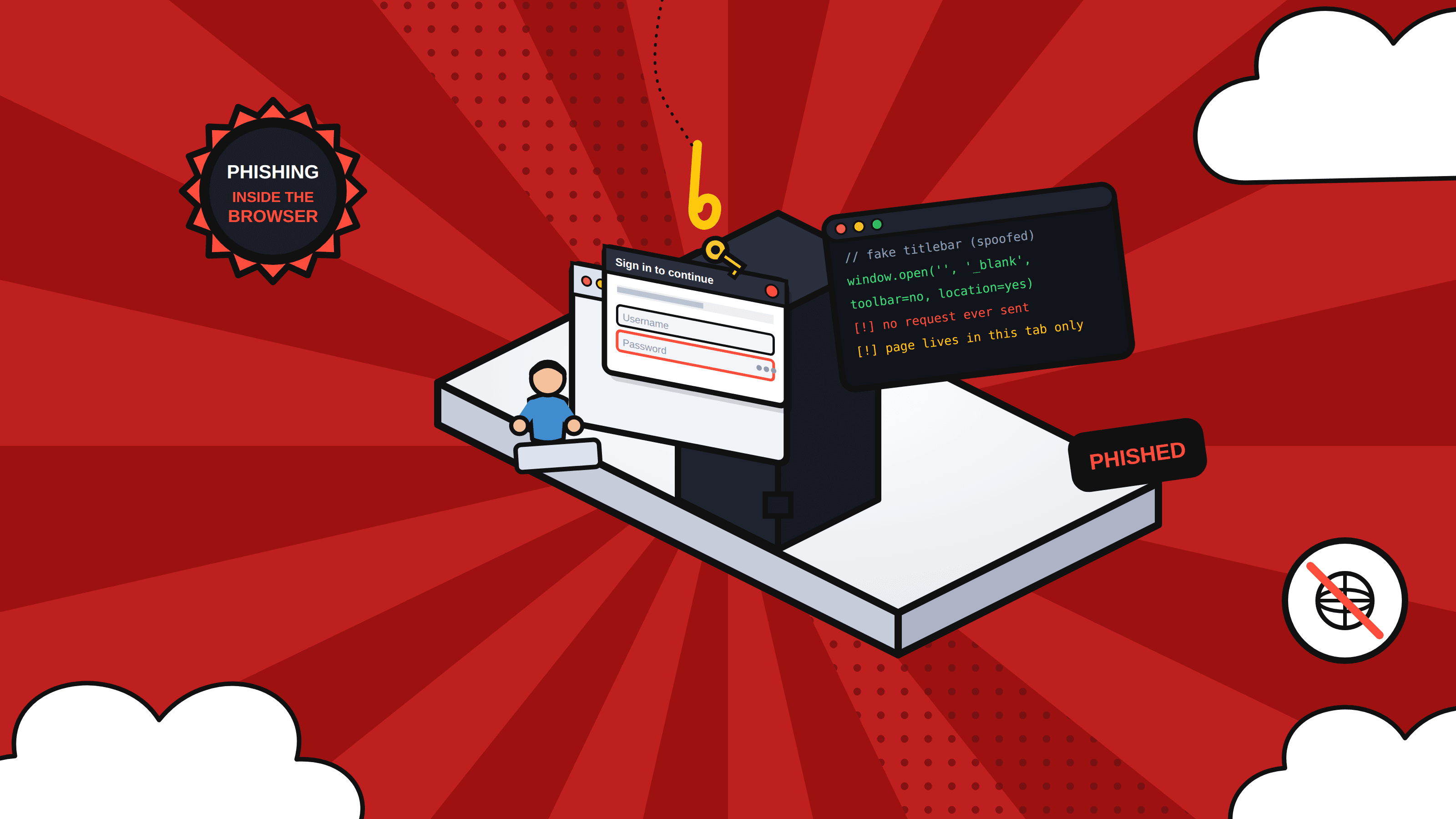
Researchers recently uncovered an attack campaign that uses a blob URL to create a credential-stealing page inside the victim’s browser. Before the page appears, the victim is routed through legitimate Microsoft OAuth and Teams services. Because the phishing page has no permanent URL and exists only during that browser session, security tools may never see it in time to block the attack.
How attackers use browser features to hide phishing pages
A blob URL is a temporary address created by a browser that points to data stored in its memory. Web applications use them for legitimate purposes, including previewing files, displaying generated documents and playing media.
Attackers can abuse the same feature. In this campaign, Microsoft Teams loads an external resource that the browser converts into a blob URL. That URL then renders the credential-stealing page locally.
The campaign also uses service workers, sandboxed iframes and browser messaging to control what happens after the page loads. Service workers can run in the background and handle tasks such as network requests. Sandboxed iframes can run content in an isolated area of a page. These are normal browser features, but attackers can use them to control navigation, coordinate requests and conceal parts of the phishing attack.
In addition, the phishing page may be given instructions from the attackers’ back-end systems. That enables them to modify how the page behaves and where it sends the victim in real time. One victim might see something different from another, while a security scanner might see something else entirely. When an attack is able to change after a click, fixed indicators are less useful.
Detection must follow behavior
Security teams need to look beyond the initial URL to catch this type of phishing. Unusual activity across OAuth flows and redirect chains warrants attention, even when the chain begins on a trusted domain. A blob URL that renders a login page or authentication request should also raise questions, as should a service worker registered after external content is loaded.
Email, browser and identity activity should be considered together. An email may appear harmless when its first link is checked, while browser activity reveals an unexpected authentication page and identity systems record a login from an unfamiliar device or location. Viewing those events as one sequence gives defenders a better chance of recognizing the attack.
Strong identity controls provide another layer of protection. FIDO2 security keys and passkeys can prevent stolen passwords from being used to access an account. Monitoring logins from unexpected devices, locations or sessions can help teams spot an account that has already been compromised.
Advice for employees must be geared to how phishing works now. Checking for misspelled URLs is no longer sufficient. When employees receive unexpected requests to sign a document, accept a calendar invitation or log in to a website, they should be skeptical, even when the link appears to involve a familiar service.
As more phishing activity moves into the browser, organizations can’t assume all campaigns will ultimately direct users to a website that can be discovered and blocked. Defenders need to monitor the full interaction, including the redirect chain, browser activity and any authentication attempts that follow.
Join Our Linkedin Newsletter for latest news updates : https://www.linkedin.com/newsletters/sg-b2b-growth-insight-7493282260314652672/